
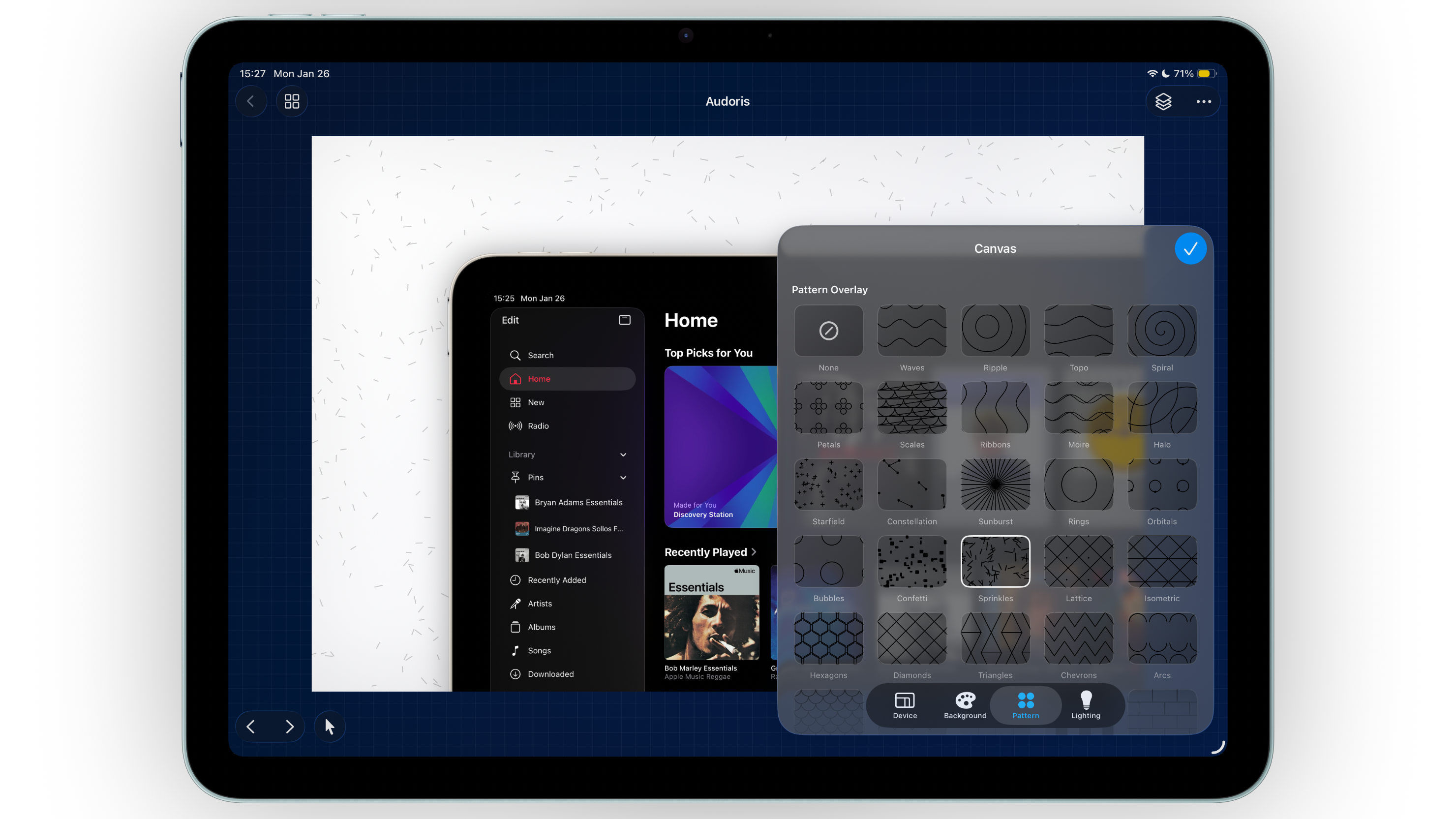
Why project structure matters for screenshot teams
When screenshot production scales, organization becomes a conversion feature. You need to find old sets quickly, duplicate proven layouts, and update messaging without rebuilding from zero.
Bezel Studio projects bundle multiple canvases together, so each release cycle stays contained. Search and sort tools make retrieval easier, while preset libraries reduce repetitive setup work.
- Multi-canvas projects for complete App Store storytelling
- Grid and list browsing for fast navigation
- Search and sort tools for growing screenshot libraries
How to build a repeatable screenshot workflow
- Create one master project per release theme. Keep all related canvases together for that campaign cycle.
- Name canvases by message intent. Use clear names like "Feature 1 - Onboarding" instead of generic labels.
- Duplicate successful canvases. Reuse winning structure and only swap copy, image, or locale-specific assets.
- Sort and review before export. Confirm logical screenshot order in project view before generating final files.
- Archive reusable design systems. Keep old projects for reference, then extract presets into long-term libraries.
Using presets at scale for faster ASO iterations
Save high-leverage presets first
Start with the elements you repeat most: canvas sizes, gradient palettes, and frequently used callout assets.
Separate exploratory and production presets
Keep experimental styles in one group and approved production styles in another. This prevents accidental design drift during tight deadlines.
Review preset health every few releases
Remove outdated styles and keep only what still matches your brand direction and conversion strategy.
Presets are not shortcuts for quality. They are systems that protect quality under time pressure.
Common projects and presets mistakes
- Storing every screenshot as a separate project with no structure
- Using inconsistent naming conventions across release cycles
- Keeping too many outdated presets and slowing decision-making
- Duplicating work instead of duplicating canvases
- Skipping project-level QA before export
FAQ: projects and presets
How many canvases should one project contain?
As many as needed for a complete screenshot set. Keep related messages in one project for easier management.
Are presets useful for small teams?
Yes. Presets save time and keep visual consistency even when one person handles both design and ASO updates.
Should I duplicate projects for localization?
Usually yes. Duplicating keeps layout consistent while giving each language version a clean editing workspace.
