
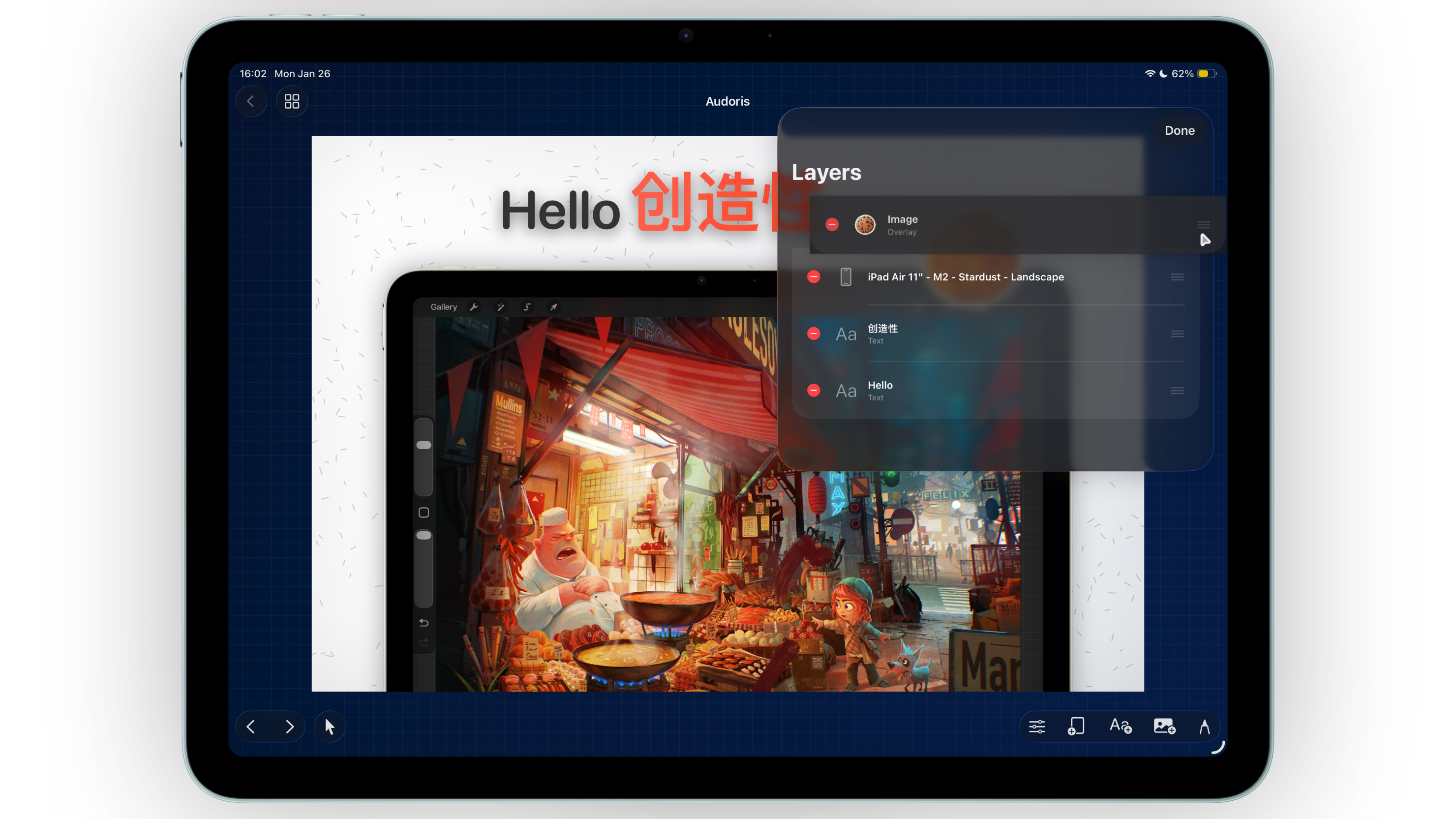
Why export workflow matters for App Store screenshot teams
Design quality is important, but delivery speed is what keeps launches on schedule. A modern App Store screenshot maker should minimize handoff friction and make it easy to save or share assets in production-ready formats.
Bezel Studio supports both single-canvas and full-set export flows so you can iterate quickly during reviews, then finalize a complete screenshot package when your messaging is locked.
- Single-canvas export for rapid iteration
- All-canvas export for complete App Store sets
- Built-in sharing options for faster team handoff
How to export App Store screenshot sets efficiently
- Choose your scope first. Export one canvas for quick checks or all canvases for release-ready handoff.
- Review ordering and naming. Confirm screenshot sequence and canvas names before export so files stay organized.
- Run a quality check at full size. Validate text contrast, edge spacing, and frame alignment.
- Export to Photos or files. Save for direct upload or archive output for version tracking.
- Share immediately with stakeholders. Use the share sheet to distribute proofs without leaving your workflow.
Image and video output from one workflow
When a canvas includes motion content, Bezel Studio can export video output in addition to static images. This is useful for launch campaigns where you need assets for App Store listings, social teasers, and product updates at the same time.
Use static and motion assets together
Static screenshots often lead conversion on product pages, while motion assets can improve storytelling on social or paid channels. Producing both from one design system keeps branding coherent.
Keep export decisions predictable
Define when your team exports single screenshots versus complete sets. Clear rules reduce repeated QA and last-minute file confusion.
A reliable export system turns creative work into shippable marketing assets on time.
Common export and sharing mistakes
- Exporting without checking screenshot order
- Using inconsistent naming for canvas variants
- Skipping full-size readability checks
- Sharing incomplete sets during stakeholder review
- Treating launch exports as one-off instead of repeatable process
FAQ: exporting App Store screenshots
Can I export a single screenshot without exporting everything?
Yes. You can export one canvas for quick review or all canvases for full release packaging.
Does Bezel Studio support video export?
Yes. Video export is available for compatible canvases that include motion content.
What is the fastest way to share finished assets?
Use built-in share options directly after rendering to send files to teammates or marketing channels.
