
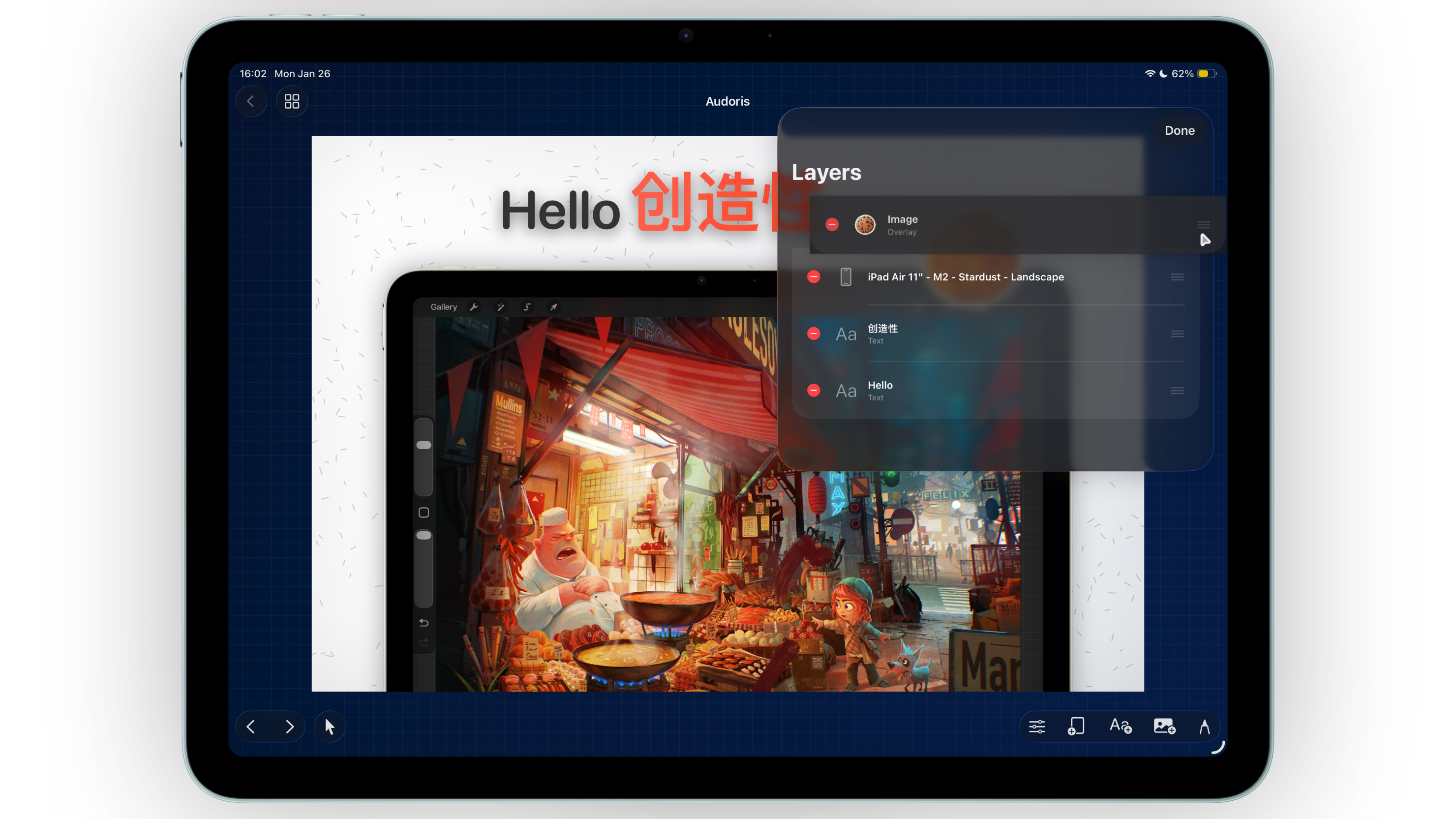
Why size planning matters for App Store screenshots
Search demand around app store connect screenshots sizes and iphone screenshot size for app store keeps rising because upload errors are still common. The fix is straightforward: set a template system first, then write copy and style.
- Fewer rejected uploads in App Store Connect
- Faster localization because spacing is predictable
- Better consistency across every screenshot in the sequence
Template-first approach for iOS screenshot production
- Define required device groups. Start with your highest-conversion iPhone sets, then expand to iPad if needed.
- Create reusable screenshot templates. Lock spacing, headline area, frame scale, and safe zones before adding final copy.
- Build one master set. Duplicate pages and swap visuals while preserving layout rhythm.
- Run size checks before styling polish. Confirm every canvas matches your target output dimensions.
- Export in one batch. Keep naming structured for quick App Store Connect upload.
App Store Connect checklist before upload
Dimension and orientation consistency
Within each device group, keep dimensions and orientation aligned so review and rendering remain predictable.
Readable headline hierarchy
At thumbnail scale, short headline blocks outperform dense body copy. Keep one message per frame.
Compression and sharpness checks
Validate final exports at 100% zoom before upload. Pay attention to gradient banding and text edge clarity.
Sequence logic
Order screenshots as a story: value proposition, feature proof, trust, then call to action.
Common mistakes that slow releases
- Mixing multiple frame scales in one screenshot set
- Changing background style on every panel
- Ignoring safe text areas near device edges
- Running final exports without a naming convention
- Skipping preview checks in App Store Connect
FAQ
What is the fastest way to produce App Store screenshots?
Use reusable templates with locked spacing and style tokens, then duplicate and swap content per panel.
Can I use one design system for iPhone and iPad screenshots?
Yes, if you preserve hierarchy and spacing logic while adjusting dimensions per device group.
How does Bezel Studio help with screenshot sizing workflows?
It combines template presets, frame controls, and batch export so screenshot sets stay consistent and upload-ready.
