
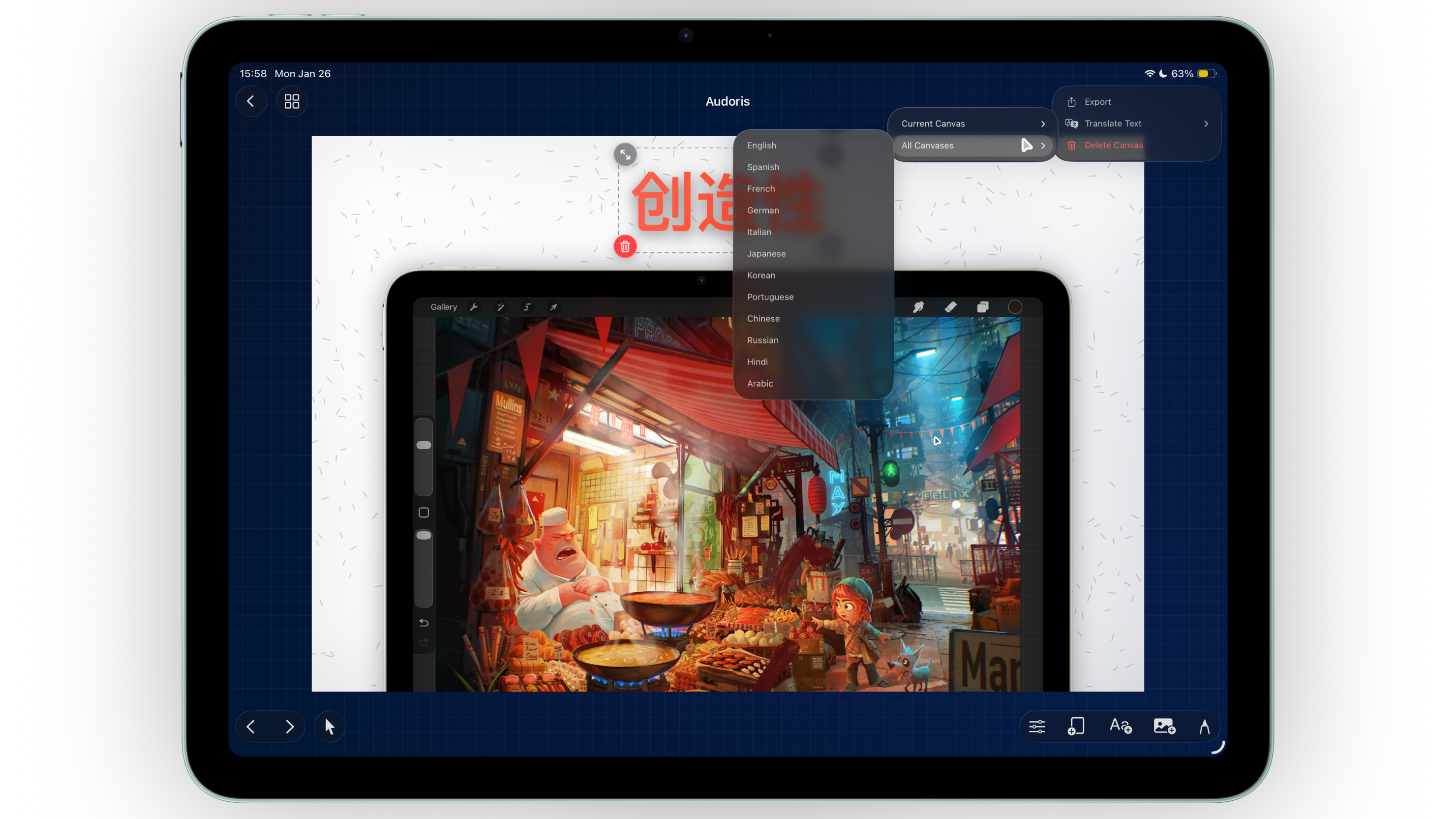
Map screenshot content to real search intent
High-intent queries are not looking for decoration. They are looking for confidence that your app solves a real problem quickly. Build your screenshot narrative around intent buckets, not random features.
- Problem-aware: show the pain point in one line.
- Solution-aware: prove the feature in action with a clear UI moment.
- Decision-ready: confirm speed, ease, and trust in the final frames.
Use a conversion-oriented screenshot sequence
- Frame 1: Value promise. One benefit headline that is easy to parse at thumbnail size.
- Frame 2: Core proof. Show the exact workflow users care about most.
- Frame 3: Differentiator. Highlight what competitors cannot replicate quickly.
- Frame 4: Speed and control. Communicate setup time and customization range.
- Frame 5: Trust and CTA. Close with reliability signals and next action clarity.
Build a reusable template system before final polish
Repetition wins rankings and releases. Create fixed layout tokens for headline zone, safe area, frame scale, and gradient style. Then duplicate across campaigns and locales instead of redesigning each panel.
- Consistent spacing improves visual recognition.
- Template reuse shortens production time for each release.
- Batch export stays clean when naming and ordering are standardized.
Pre-upload checks for App Store Connect
Dimension consistency
Keep each device set fully aligned by orientation and dimensions before export.
Headline readability
Preview at thumbnail size and remove copy that is hard to read in one glance.
Sequence quality
Ensure each screenshot advances the story, not just the visual style.
Export quality control
Validate edges, gradients, and text clarity at full-size before upload.
FAQ
What is the best first screenshot for App Store listings?
Lead with a single clear value proposition and a product UI state that proves it immediately.
How many screenshot templates should I maintain?
Most teams perform well with one master template set per audience/use-case and localized copies per language.
How does Bezel Studio help improve screenshot production speed?
Bezel Studio combines device frames, typography controls, reusable presets, and fast export in one workflow.
